Free Resume Builder
Browse templates publicly, then sign in to create, edit and export your resume.
Pick a template, start editing
Browse layouts and preview sample content before choosing a template.
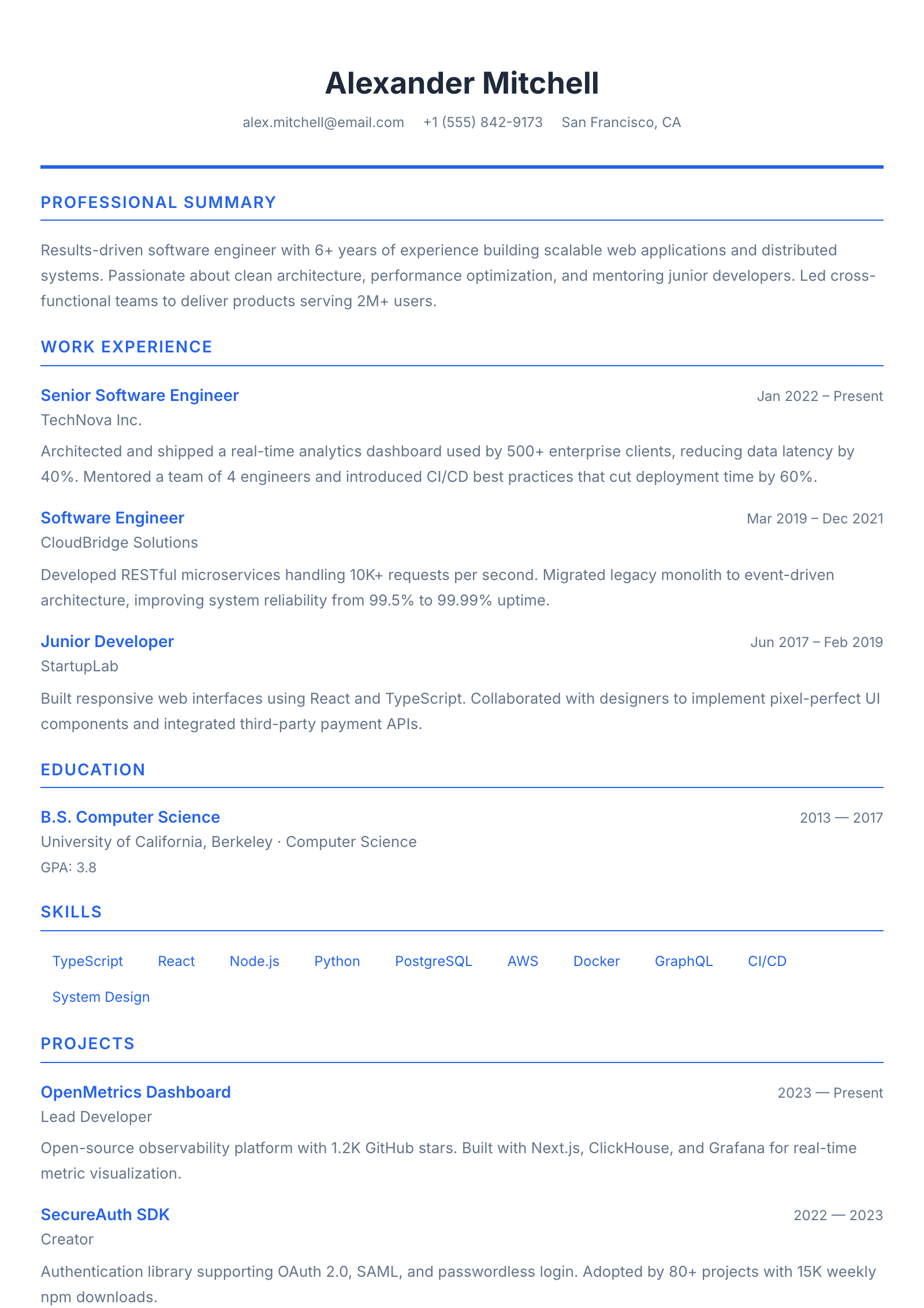
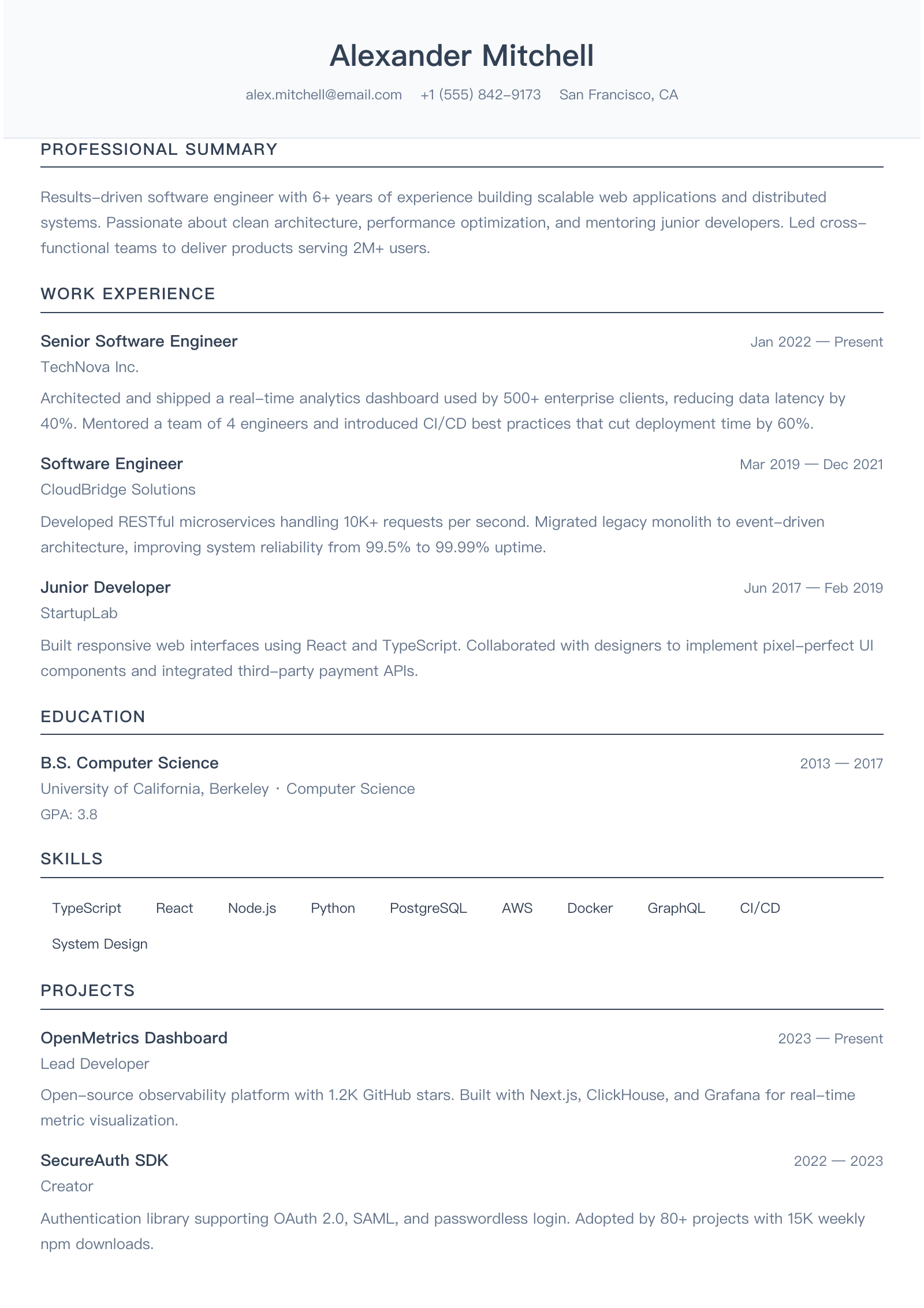
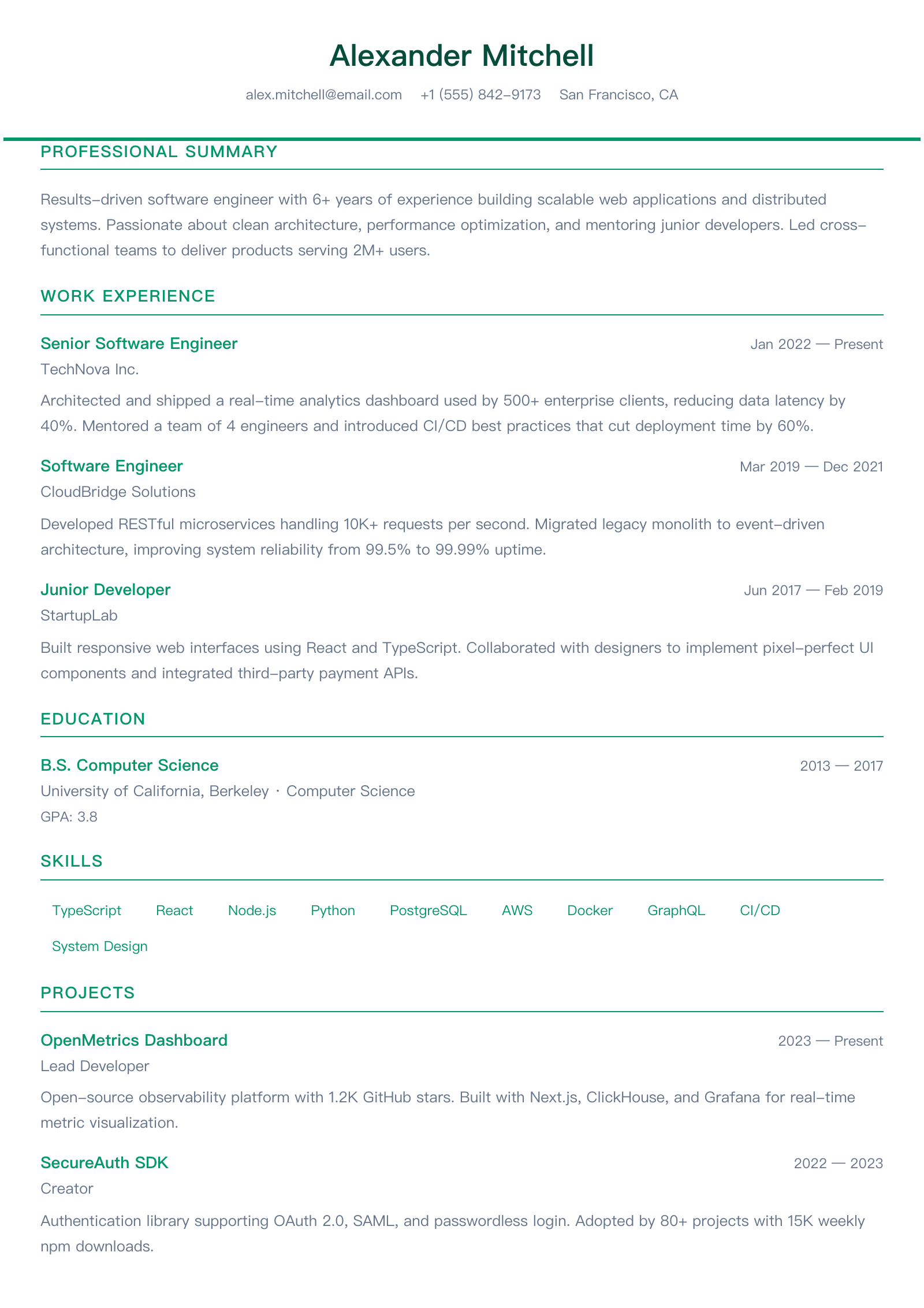
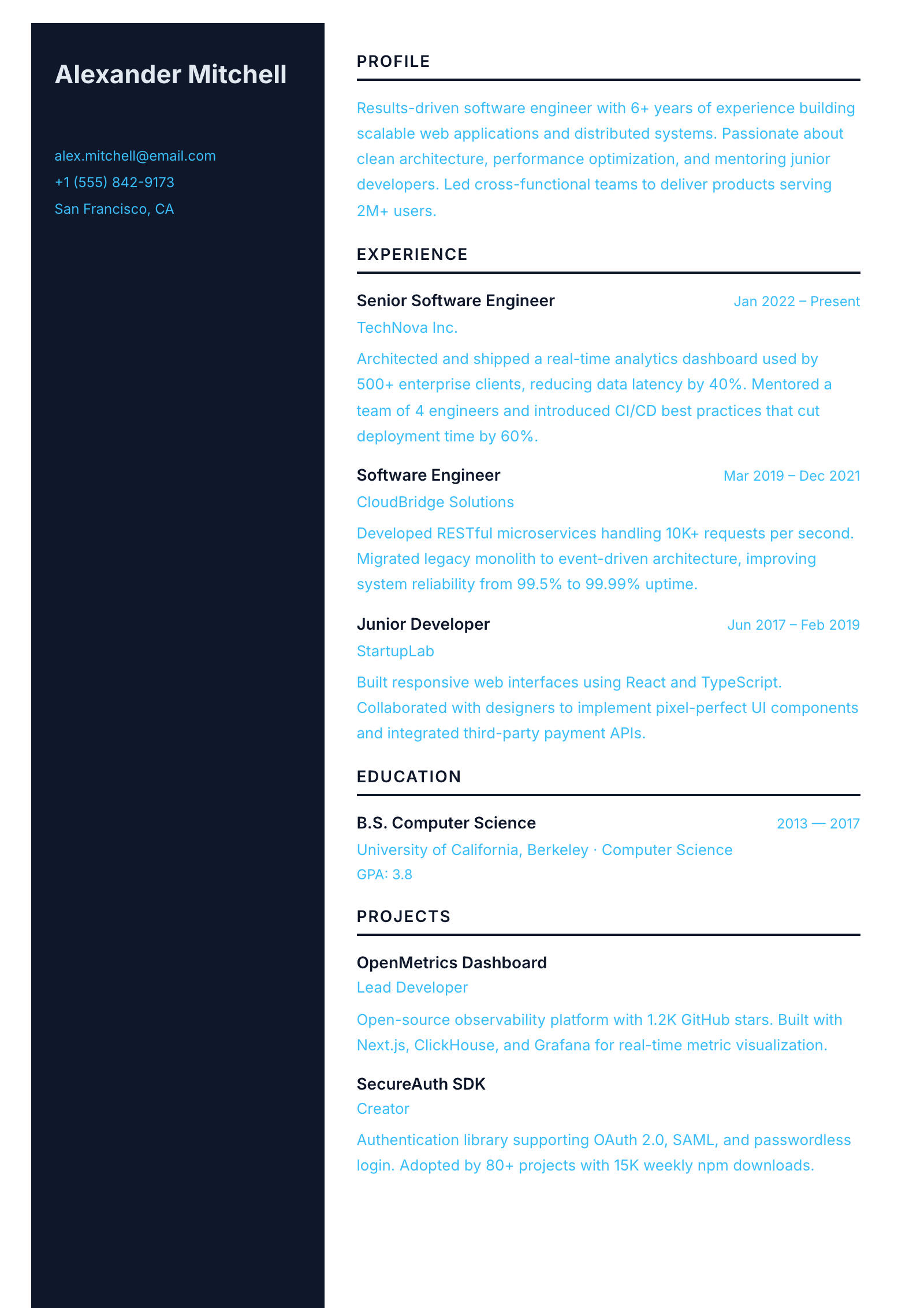
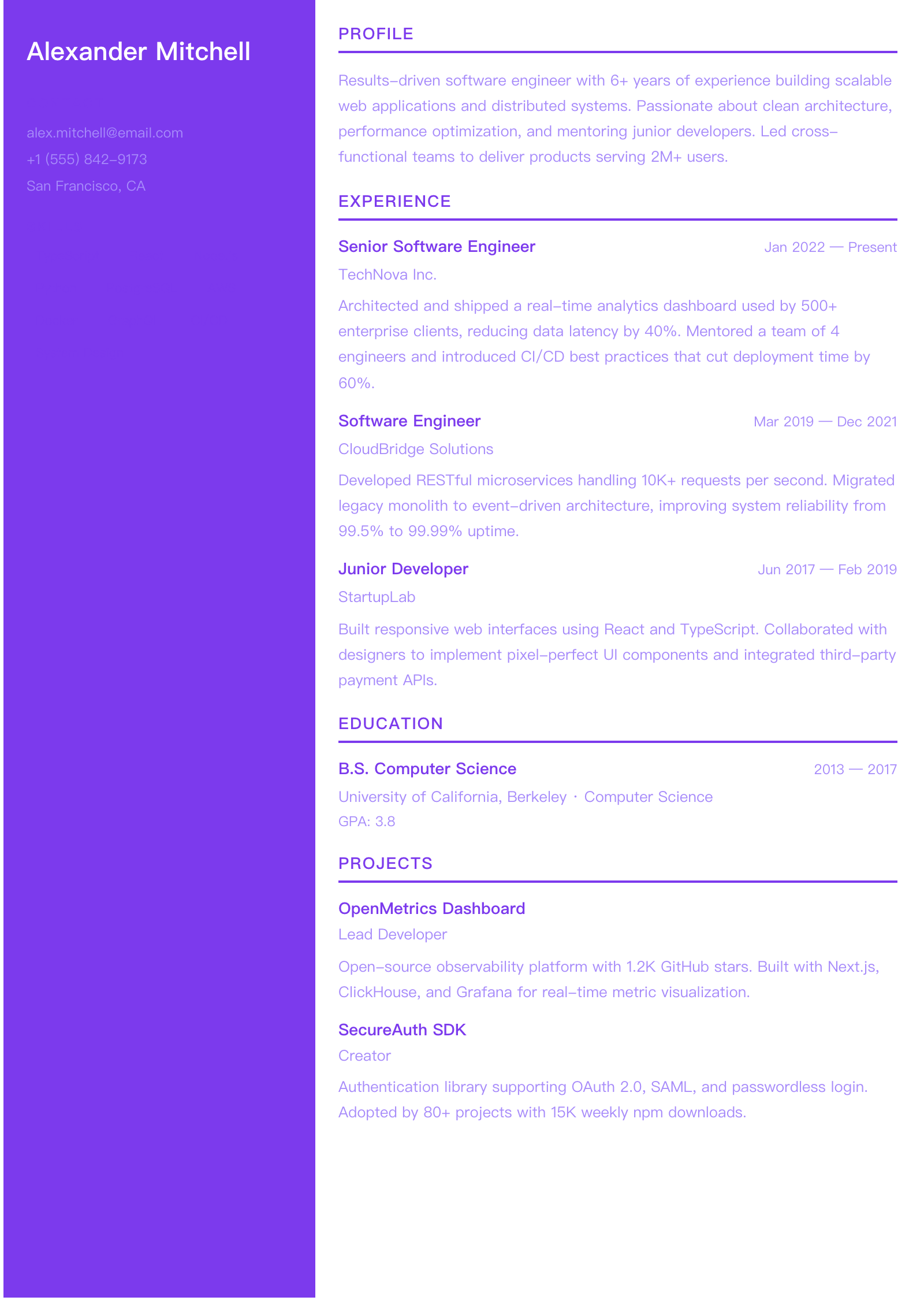
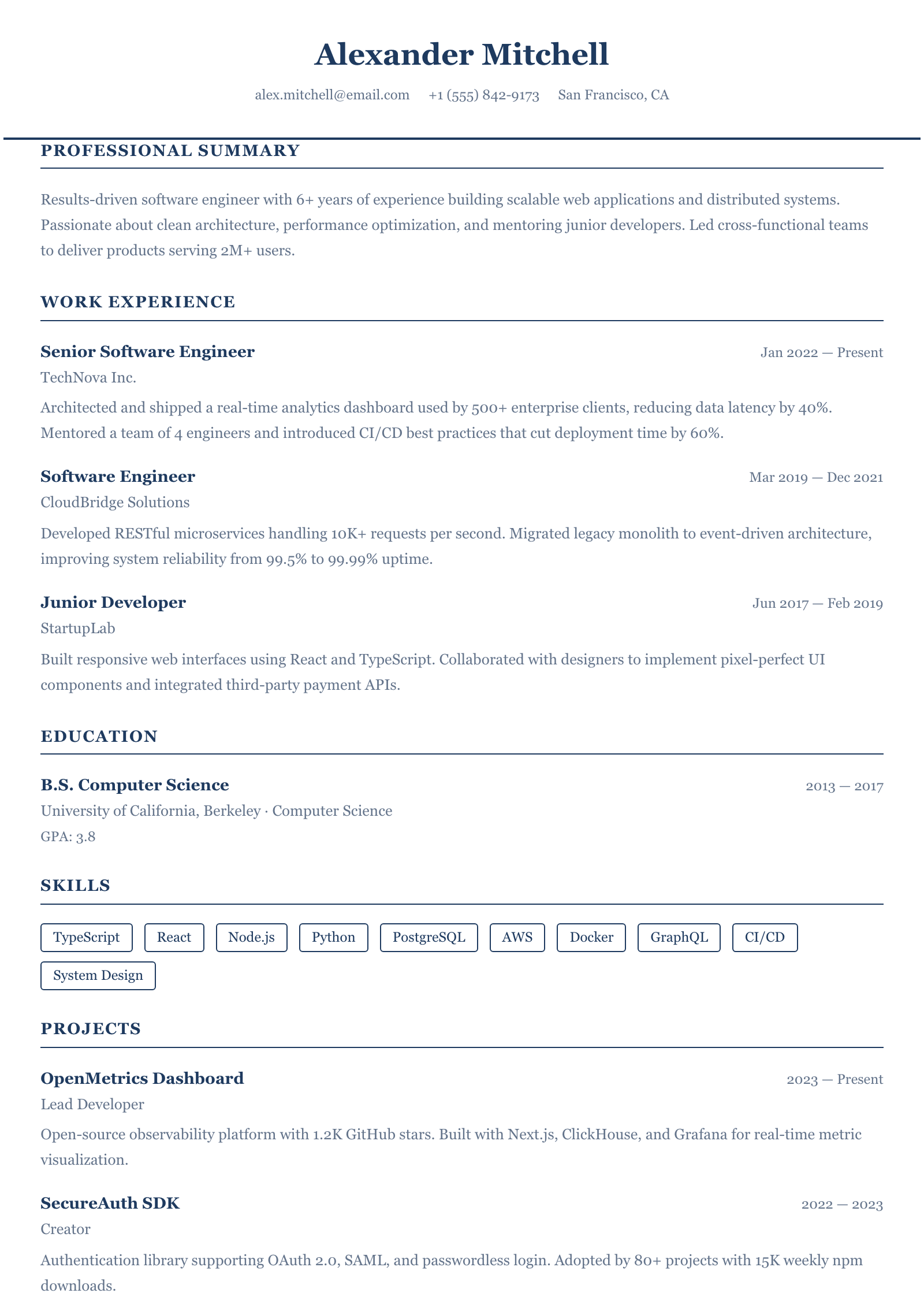
ATS-friendly templates
Interface languages
Free to start
What's free?
No credit card required — upgrade only when you need more.
Resume layout options
Pick the format you need — each has its own template category.
FAQ
▸Is this resume builder really free?
New free accounts: 1 saved resume, Clean Code template, 30 signup credits after email verification and 5 exports in a rolling 30 days. Existing accounts keep their original free allowance: 3 saved resumes, basic templates and 10 AI actions per 30-day period. Existing resumes remain editable after a subscription ends.
▸Can I build a resume online without installing anything?
Use SmartCV in your browser to edit and export your resume; no desktop software installation is required.
▸How do I make a one-page resume?
Start from a one-page template and keep bullets short — the editor shows your page count as you type.
▸What makes a professional resume?
Use a clear structure, accurate achievements and consistent formatting. A template supplies the layout; you supply and check the facts.
▸Do I need an account to try it?
You can browse public template previews without an account. Creating, editing, saving or exporting your own resume requires sign-in.
▸Can I download my resume as a Word file?
Yes. Export your saved resume as PDF or DOCX from the editor within your plan limits. Template-page DOCX downloads contain sample data, not your saved resume.
▸Will my resume pass ATS screening?
No tool can guarantee screening results. SmartCV offers templates and an on-demand analysis; review your content and the exported file against the employer’s requirements.
▸Can I use the resume builder on my phone?
Yes. The editor and templates are fully responsive — build and export from any device.